 Launchpack by Świt Studio
Every launch image your product needs. Done in 30 seconds.
Type a name and a tagline, pick a color, drop a screenshot. Get the OG image, X header, Product Hunt gallery, favicons and meta tags as one ZIP. No Figma, no account.
- 18 files in one ZIP
- Nothing is uploaded
- Pay once: from
- 14-day money-back guarantee
Sized for X · LinkedIn · Product Hunt · Slack · iMessage · Discord · Google
 favicon.ico
How it works
No templates to browse and no editor to learn. The layout adapts to each size by itself.
- Type your name and tagline
Every image updates as you type. Long taglines shrink and wrap to fit each size.
- Pick a color, a layout and a frame
Dark, light or full color; Classic, Centered, Bold or Minimal; your screenshot in a browser or on a phone.
- Download one ZIP
Images, icons, favicon.ico, manifest and the meta tags, named and sized for each platform, or laid out for Next.js or Astro.
Made with Launchpack
Our own apps, launched with it. Same tool, same 30 seconds.
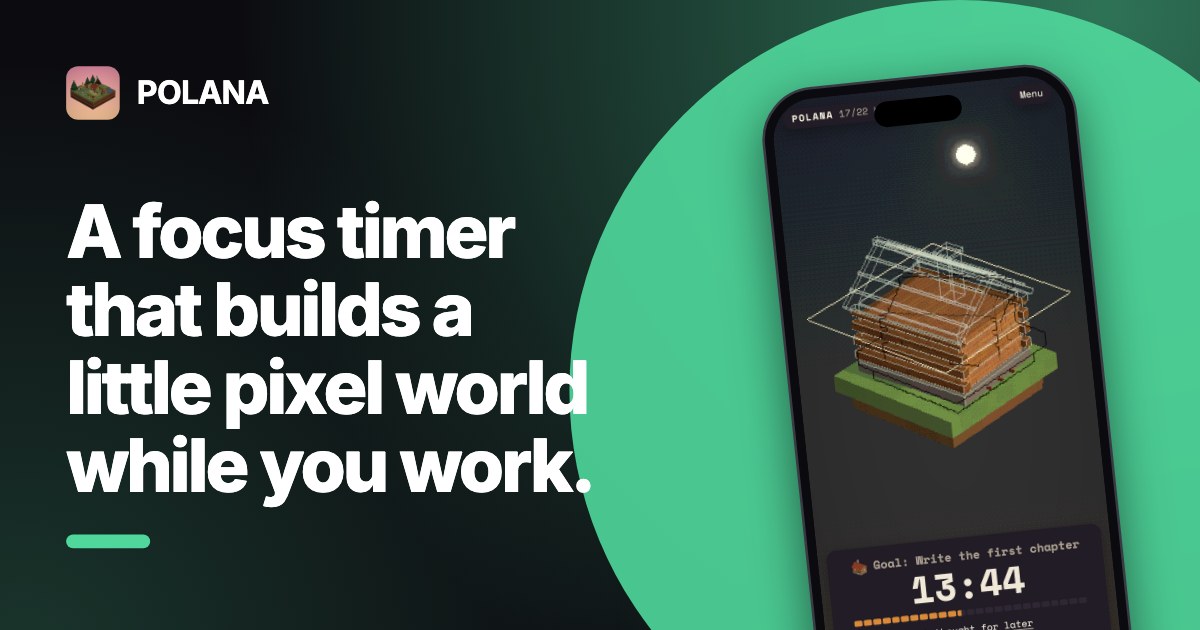
POLANA · Bold layout, phone frame 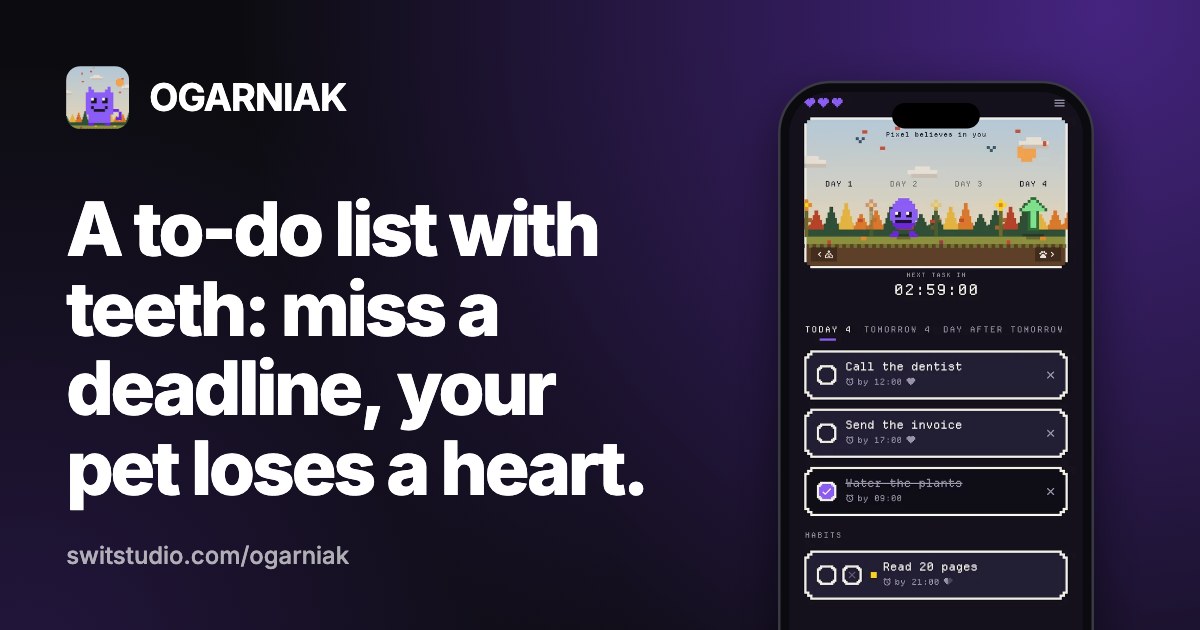
OGARNIAK · Classic layout, phone frame 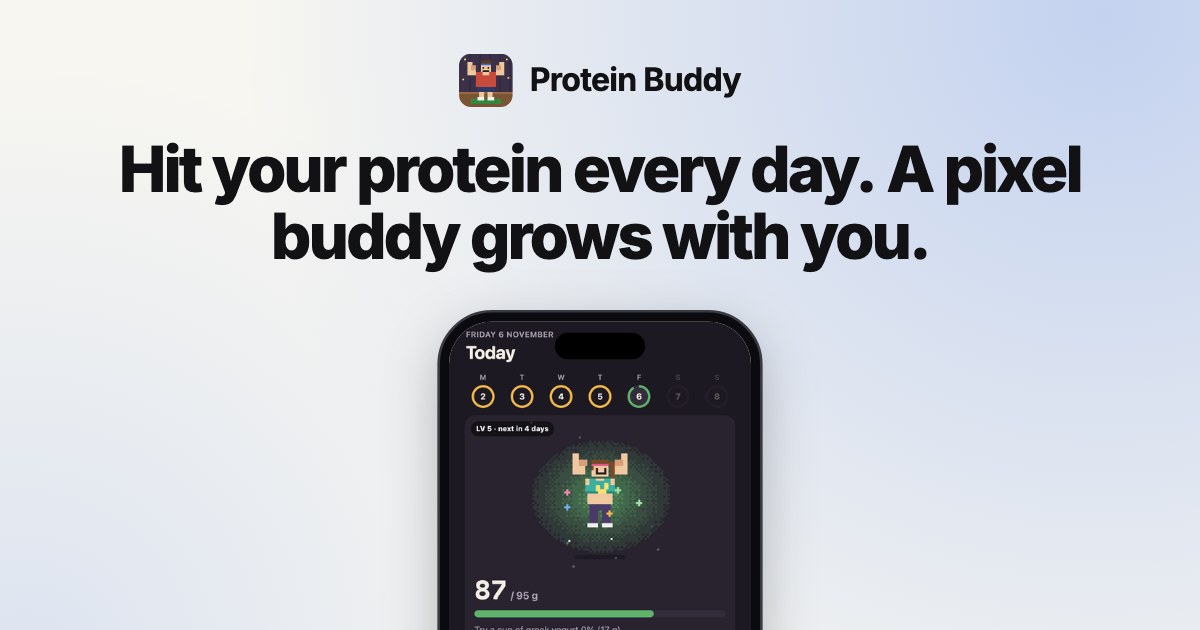
Protein Buddy · Centered layout, light style
Pricing
Try it for free. Pay once when you want the whole kit.
OG image
- 1200×630 Open Graph image
- Every layout and style
- Small "made with launchpack.pics" mark
- Icons, favicons, Product Hunt and X images
Launch kit
- All 18 files, no watermark
- Classic layout, browser frame
- Product Hunt gallery and thumbnail
- favicon.ico, app icons, web manifest
- Meta tags filled in for you
Pro
- Everything in the kit
- Centered, Bold and Minimal layouts
- Phone frame for mobile apps
- ZIP for Next.js or Astro
- Launch posts for X, Product Hunt, LinkedIn
- App Store & Google Play screenshots
14-day money-back guarantee. Not right for you? Reply to your receipt and you get a full refund.
What's in the ZIP
Every file has the size each platform asks for. Not sure what goes where? Read the OG image size guide, the favicon guide or the Product Hunt image guide.
your-product-launch-kit/
├─ social/
│  ├─ og-image.png          1200×630
│  ├─ x-post.png            1600×900
│  ├─ x-header.png          1500×500
│  ├─ linkedin-banner.png   1584×396
│  └─ square-post.png       1080×1080
├─ product-hunt/
│  ├─ gallery-1.png         1270×760
│  ├─ gallery-2.png         1270×760
│  └─ thumbnail.png         240×240
├─ icons/
│  ├─ favicon.ico           16, 32, 48
│  ├─ favicon-16.png · favicon-32.png
│  ├─ apple-touch-icon.png  180×180
│  ├─ icon-192.png · icon-512.png
│  ├─ icon-maskable-512.png
│  └─ site.webmanifest
├─ head.html                meta tags to paste
├─ launch-copy.md           Pro: posts for X, PH, LinkedIn
└─ README.txt
Doing it by hand
- Look up 10 sizes for 6 platforms~15 min
- Make an artboard per size, re-flow the text~40 min
- Export icons, build favicon.ico and the manifest~15 min
- Write the Open Graph and Twitter tags~10 min
- With Launchpack30 seconds
Questions
What files are in the kit?
18 files: an Open Graph image, an X post image, an X header, a LinkedIn banner, a square post, two Product Hunt gallery images and a thumbnail, a 512 px and a 192 px icon, a maskable icon, an apple-touch-icon, 16 and 32 px PNG favicons, favicon.ico, site.webmanifest, head.html with the meta tags, and a README.
What's the difference between the Kit and Pro?
The $9 Kit has all 18 files in the Classic layout with a browser frame. Pro ($19) adds the Centered, Bold and Minimal layouts, a phone frame for mobile apps, a ZIP laid out for Next.js or Astro, ready-to-edit launch posts for X, Product Hunt and LinkedIn, and the App Store and Google Play screenshot generator. Kit owners can upgrade for $10.
Is there a money-back guarantee?
Yes. If Launchpack isn't right for you, reply to your receipt e-mail within 14 days and you get a full refund. No questions asked.
Is it a subscription?
No. Both plans are one-time payments, and you can make kits for as many products as you want.
Are my screenshots uploaded anywhere?
No. Every image is drawn in your browser with canvas. Your screenshot, logo and text never leave your device.
I cleared my browser. Do I have to pay again?
No. Use "Restore purchase" and enter the e-mail from your Stripe receipt; your plan is unlocked again in that browser.
Does it work with Next.js, Webflow, Framer or WordPress?
Yes. Pro can lay out the ZIP for Next.js (app/opengraph-image.png, icon.png, apple-icon.png, manifest.ts) or Astro. The standard kit is plain PNG files, an ICO file, a manifest and HTML tags, so it works with any site or builder.
Before you launch
Free tools and guides for getting your previews and icons right.
- Pro toolApp Store screenshotsFramed iPhone, iPad and Android screenshots with headlines, every required size.
- Free toolLink preview checkerSee how your link looks on X, LinkedIn, Slack and iMessage, and what to fix.
- GuideOG image sizeThe one size that works everywhere, and what each platform crops.
- GuideOG image not showing?Nine causes, in the order to check them, and how to refresh each cache.
- GuideFavicon sizesThe files a site needs in 2026, with the HTML to paste.
- GuideProduct Hunt imagesGallery and thumbnail sizes, and what to put on each image.
Your launch images, in the next 30 seconds.
Start free with the OG image. Get all 18 files for , once. Not right for you? Full refund within 14 days.